

Home > Products > Add-on: Profile Vu > Profile Vu-L
Add-on: Automated Sample Inspection Using the Profile Vu-L™
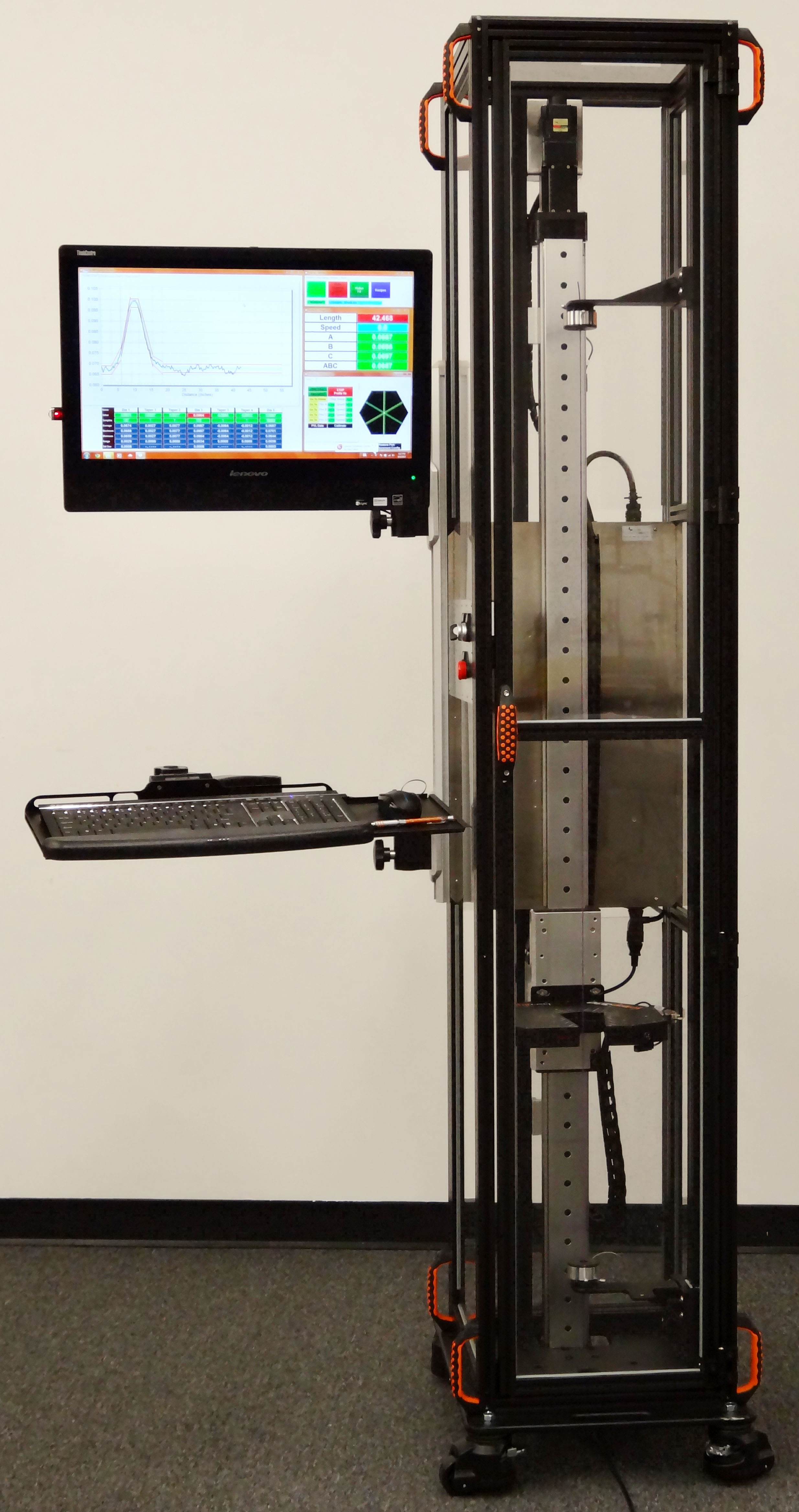
Profile Vu-L
vertical configuration
Resources
Triton™ triple-axis micrometers
Accessories including roller guides, stands, calibration kits, window guards, and air purges
Product safety standards (e.g. CE, UL)
Inspection of products like camshafts and catheters requires checking multiple locations or areas. Furthermore, it is often necessary to check multiple dimensions in each area.
Manual inspection can be difficult because of the complex inspection profile. Manual inspection can require multiple measurement stations and different measurement equipment. However, LaserLinc’s Profile Vu-L™ system uses software-controlled servos to check product profiles against a recipe. And it does this at one station with the press of a button.
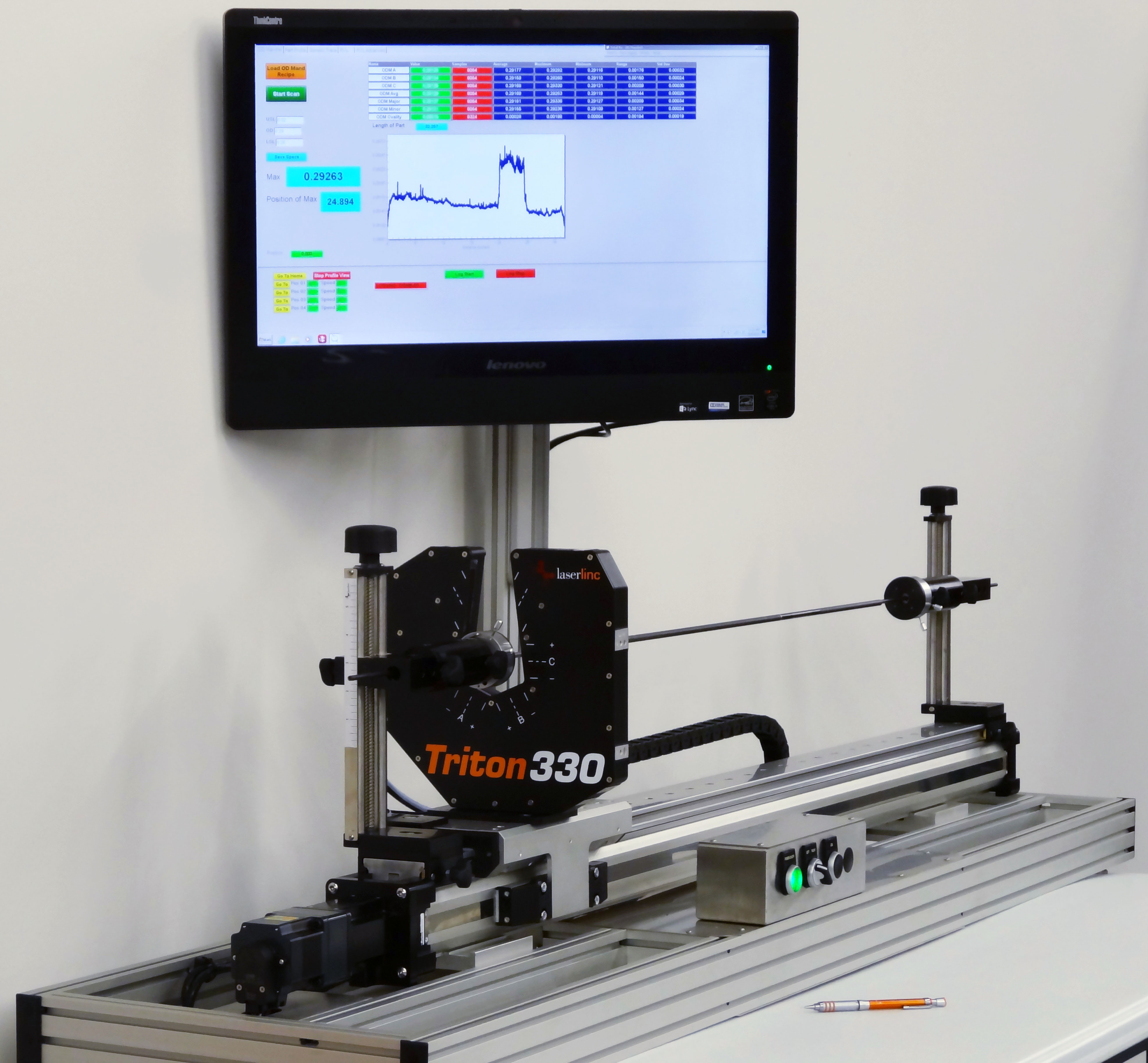
Profile Vu-L horizontal configuration
Highlights
- Automated, repeatable, and accurate inspection
- Reduces operator error
- Significantly faster inspection cycle time
- User-customizable inspection profiles means one system can be used for many different products
- User-customizable graphical user interface perfectly satisfies operator needs (touchscreen compatible)
- Data logging of results in comma separated values (CSV) format, including user-defined identifiers such as part number, serial number, batch, and operator
- Uses standard components for cost effective solutions
- Automated, print or electronic reporting
Standard Components for Cost Effective Solutions
Profile Vu™ inspection systems are very cost effective since they are built with mostly off-the-shelf components:
- LaserLinc micrometers
- A linear actuated slide
- Windows-based PC
- Total Vu™ software
Typically, customization is confined to part holding and an optional enclosure. The results are short lead times, low cost, and very powerful inspection systems.
Inspection Profiles
A Profile Vu-L system can be configured to measure continually while the slide is moving, or to move, stop, and then measure. If needed, these sequences can be combined to create complex inspection profiles.
Total Vu Software Cements System Operation
Total Vu software makes using the system a snap. The operator selects a recipe, loads the part, presses a button or foot pedal, and watches as the results update on-screen.
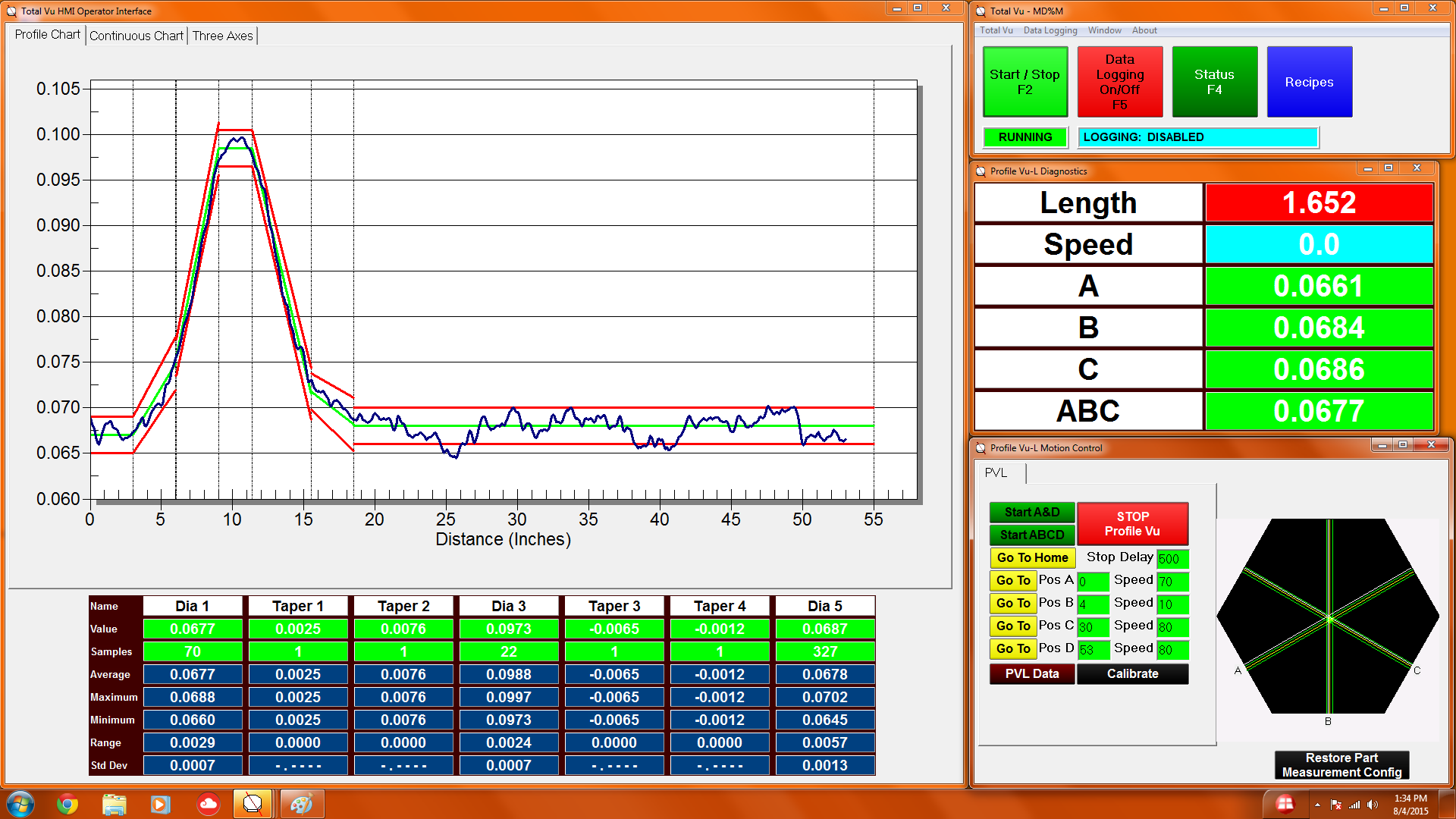
Total Vu HMI with Profile Vu-L
When the inspection cycle is complete, data is logged and statistics are updated. At the end of a batch, an Excel-based report can be printed or saved.
The customizable display means the operator sees only what is needed; extraneous information is removed. Similarly, the only functions accessible are those required for operation of the system. The resulting operator interface is thereby tailored for the application.

